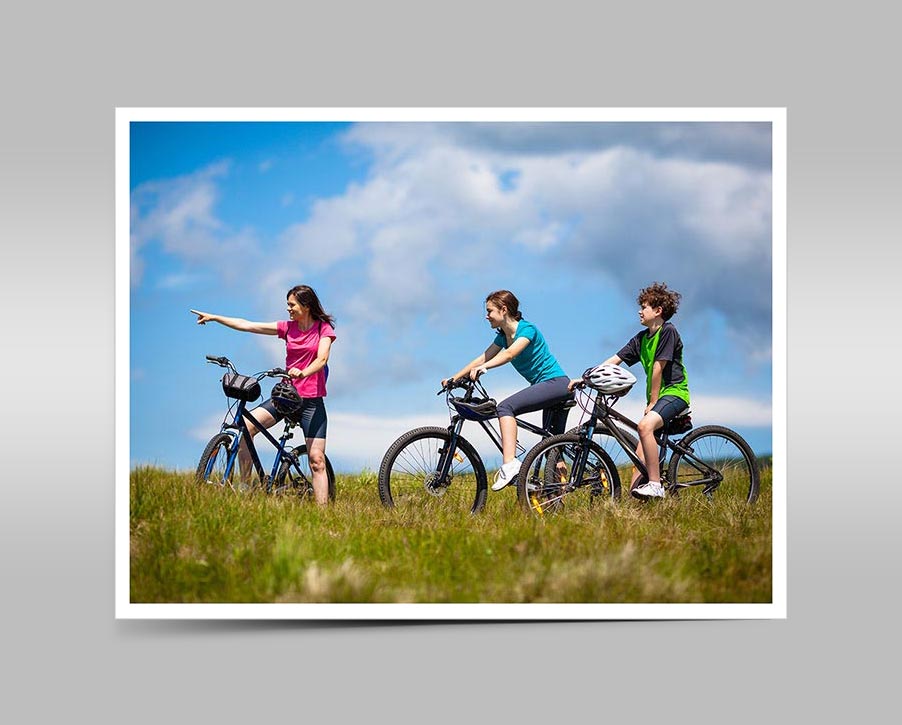
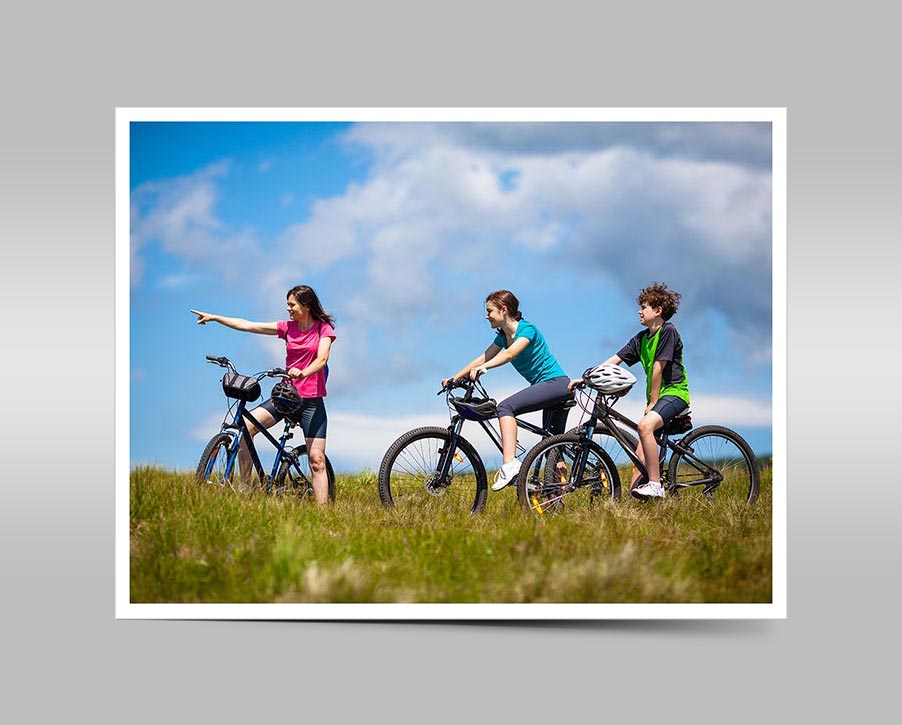
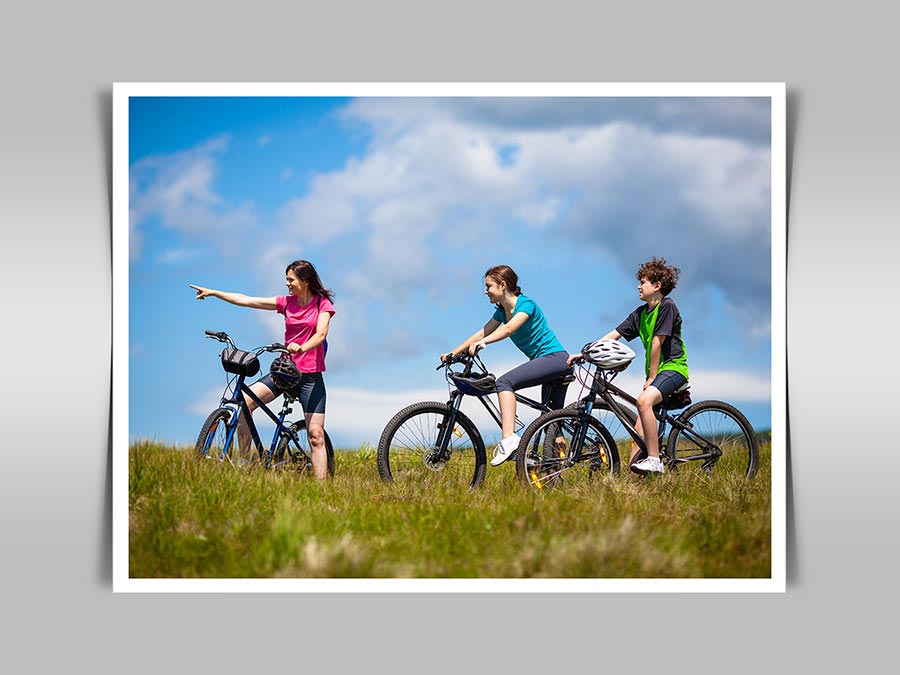
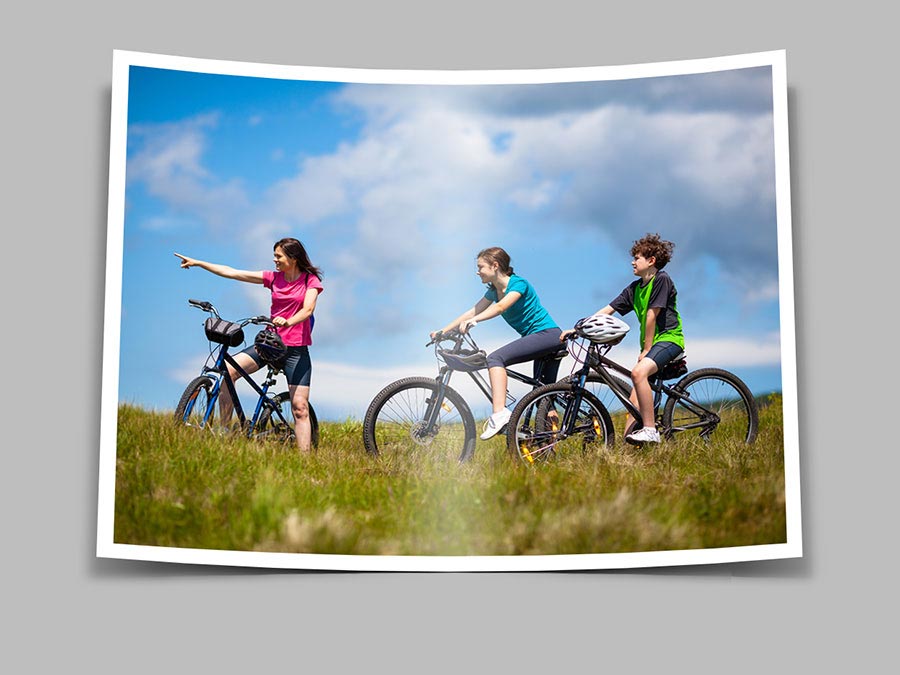
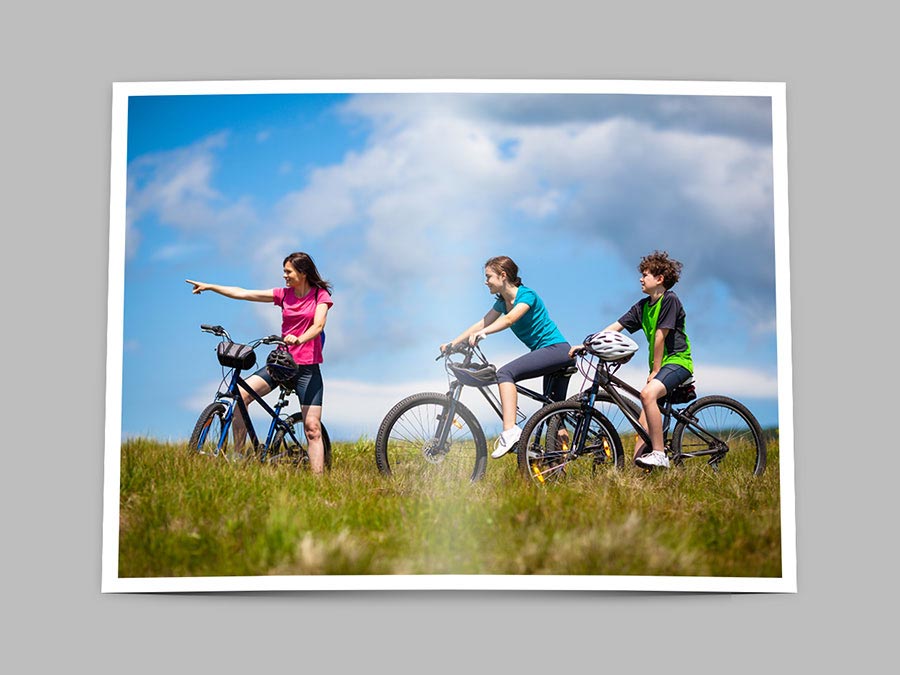
Transform your images into captivating bent photographs with the help of these free Photoshop actions. With three distinct effects to choose from, these actions offer a versatile range of creative possibilities.
Notably, these actions also incorporate sophisticated shadow effects that transition seamlessly from a soft, blurred appearance at the center to a progressively less opaque one towards the edges. This unique blend of effects adds depth and dimension to your photos, lending them a distinctive and eye-catching look.
GALLERY PHOTO CREDIT: The photo used in the photo gallery was kindly provided by Shutterstock. Its ID is: 129314984.jpg
COMPLETE PanosFX - empower your creativity!
Get the entire collection of PanosFX add-ons for Adobe Photoshop and Photoshop Elements, at a fraction of their combined value!
And there's more:
You get every newproduct and updates for the next 12months!
You get 50% off, if you wish to renew your yearly license.