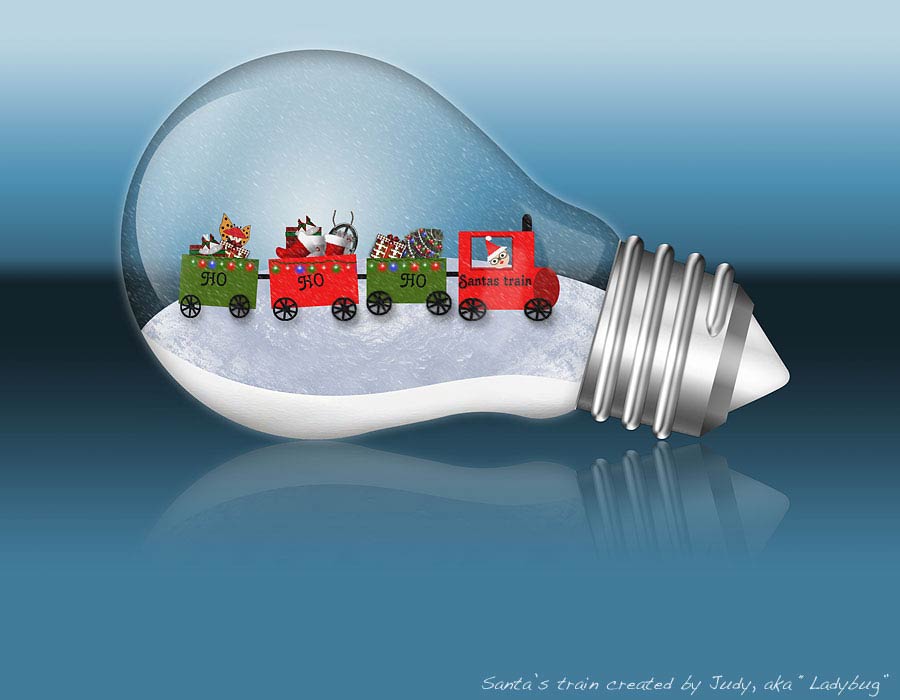
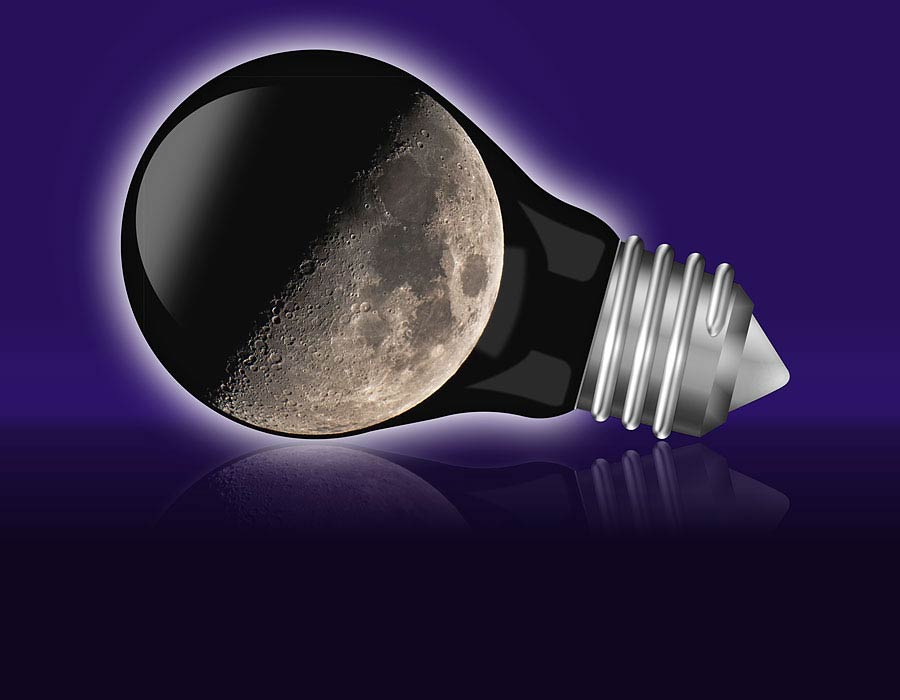
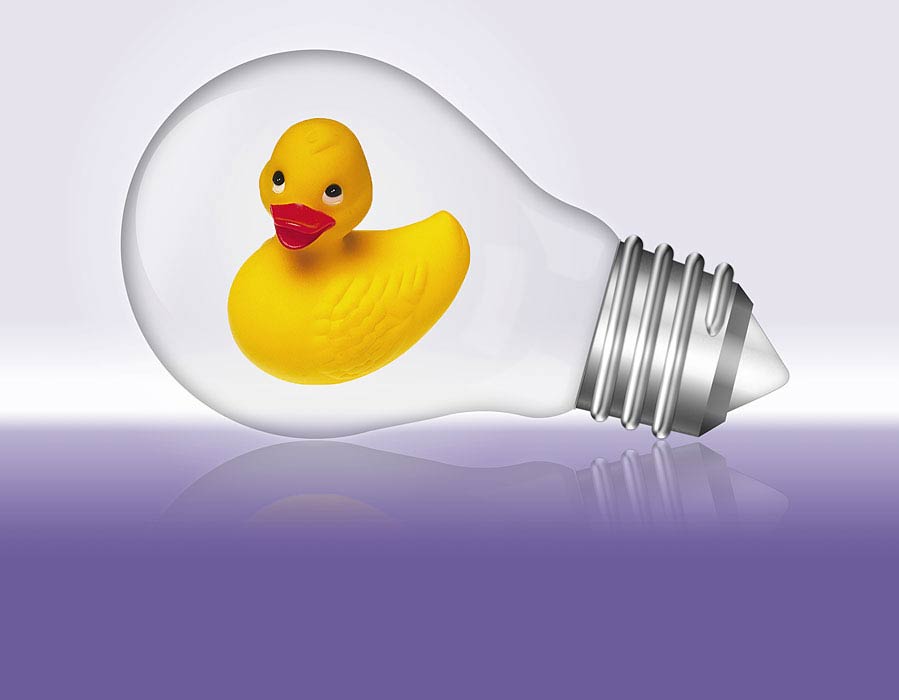
This effect creates a scene that shows an old-fashioned light bulb with your photo inside. Two different styles are included (ordinary bulb and winter bulb).
COMPATIBILITY: Photoshop: Max=2024 (v.25.7) Min=CS4 Photoshop Elements: Max=2024, Min=15 PC & Mac, all Languages