COMPLETE PanosFX
Premium Photoshop actions
Photoshop Templates
Explore all products
Free Photoshop actions
Textures, Patterns, Brushes, Styles
Photoshop Tutorials
Creative Ideas
Documentation - Products
Documentation - Freebies
Installation & Troubleshooting
Frequent Questions
Discover our latest news
Register • Login • Logout
Need help logging in?
How to re-download your products
How to place an order
Stay informed
CUSTOMER PANEL (re-download your products)
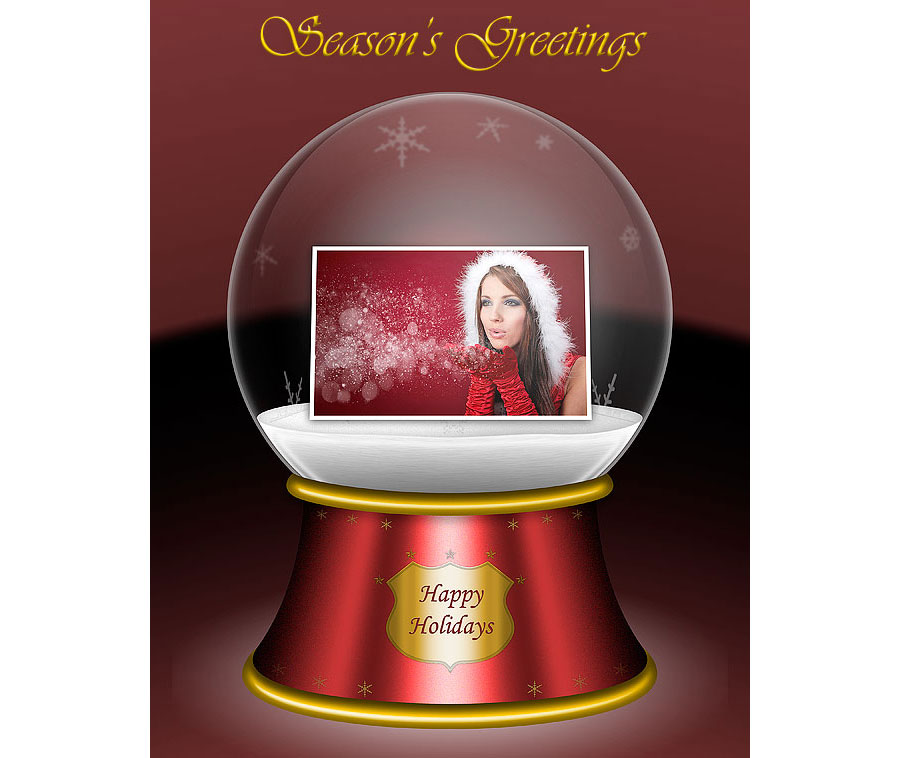
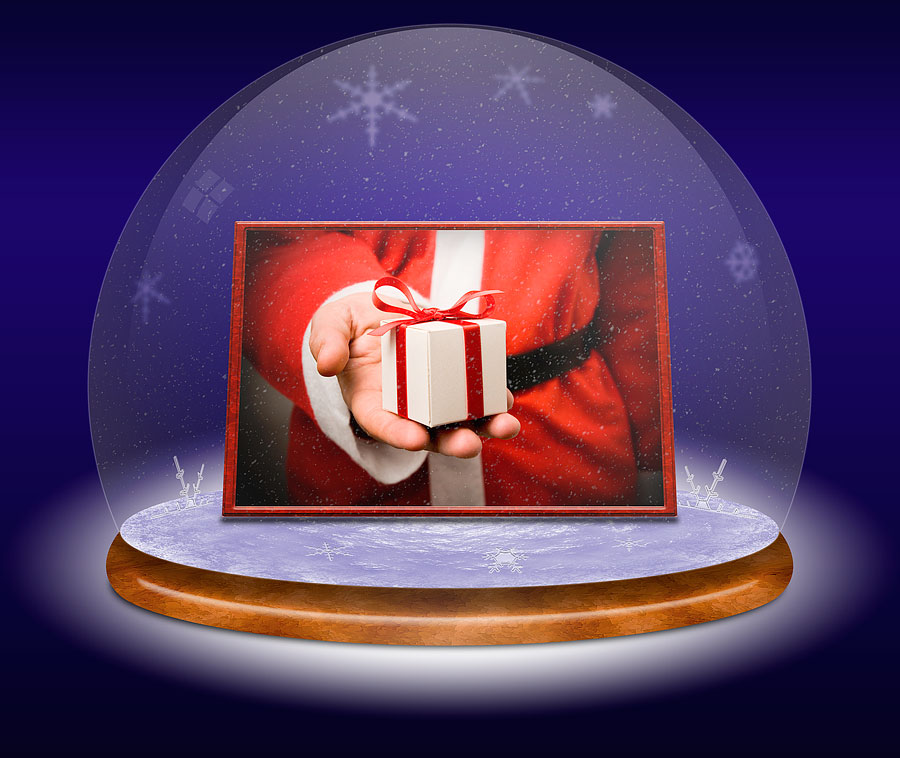
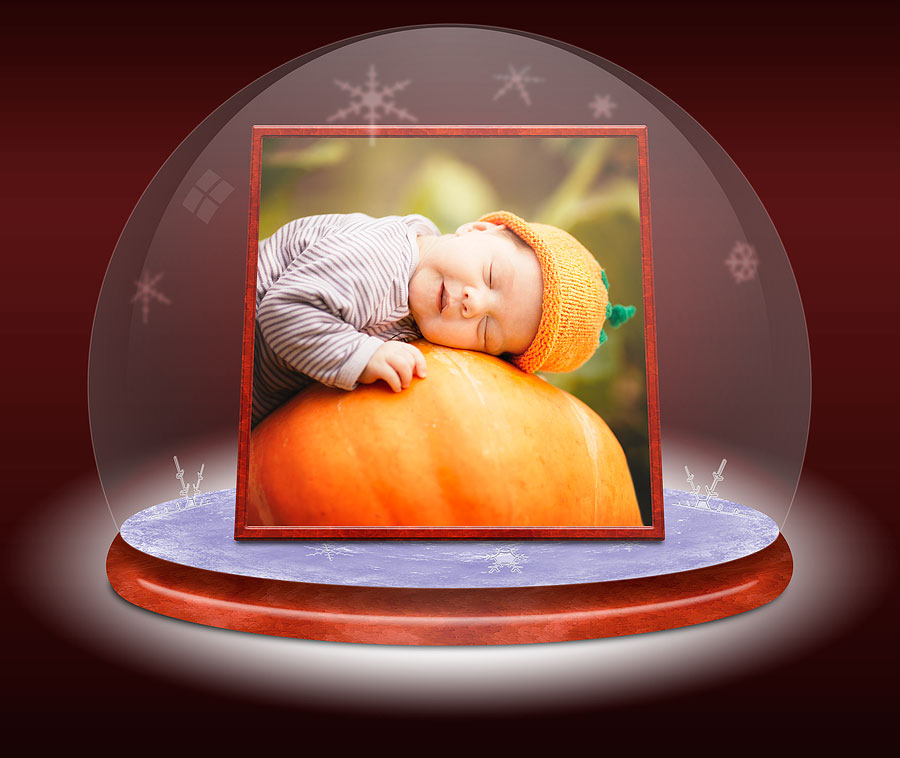
Create two beautiful snow globes and put your photos inside! Fully layered PSD images with impressive elements such as ice, snowflakes, etc.
COMPATIBILITY: Photoshop: Max=2024 (v.25.7) Min=CS4Photoshop Elements: Max=2024, Min=15PC & Mac, all Languages
LATEST RELEASE:v.2022.2 (January 9, 2022)
GALLERY PHOTO CREDITS: The photos used in the gallery were kindly provided by Shutterstock. Their IDs are: 60718204.jpg, 17813773.jpg 19911727.jpg 112820374.jpg
Get the entire collection of PanosFX add-ons for Adobe Photoshop and Photoshop Elements, at a fraction of their combined value!
And there's more:
You get 50% off, if you wish to renew your yearly license.