To download the files: click the 'Subscribe' button. After receiving a confirmation email, click to confirm your subscription, and you will be directed to the download page.
Re-download:
If you are already a subscriber and want to download the latest version, simply enter your email address in the "Subscribe & download" section on this page and click "Subscribe".
The system will confirm your subscription and provide the download link.
Detailed description:
The 'Reflections' free Photoshop actions produce a variety of unique reflection effects with elegant details. Options include:
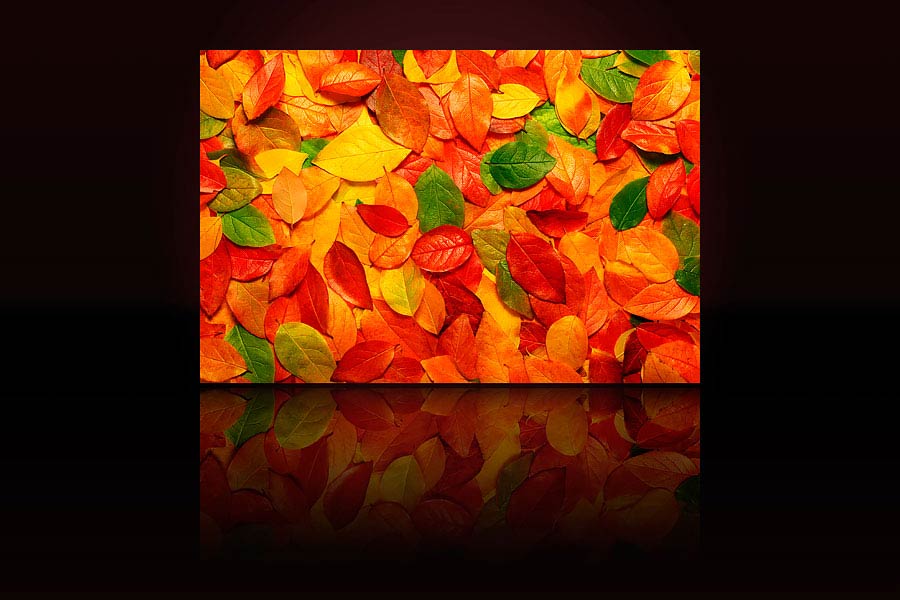
Three 'Classic Reflection' actions for customizable reflections from different angles.
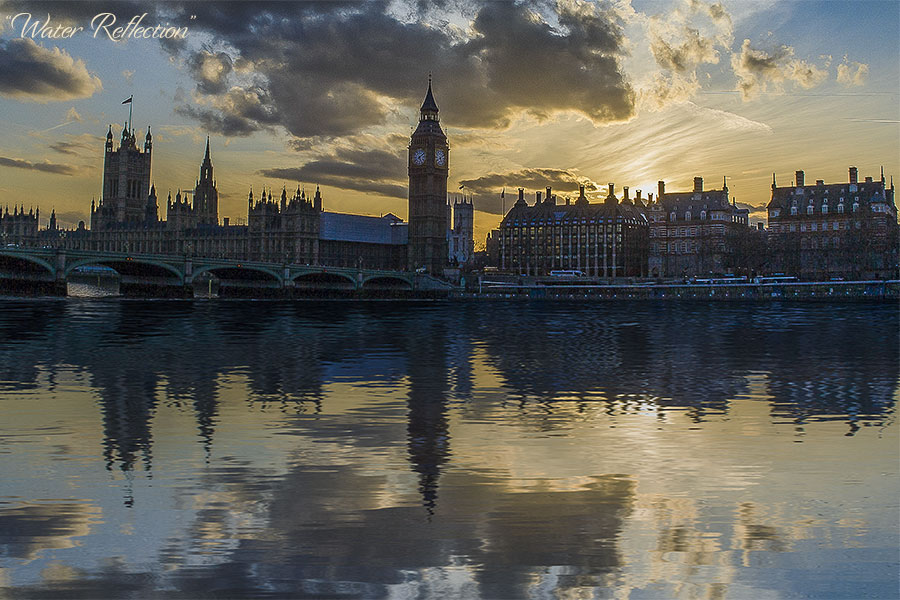
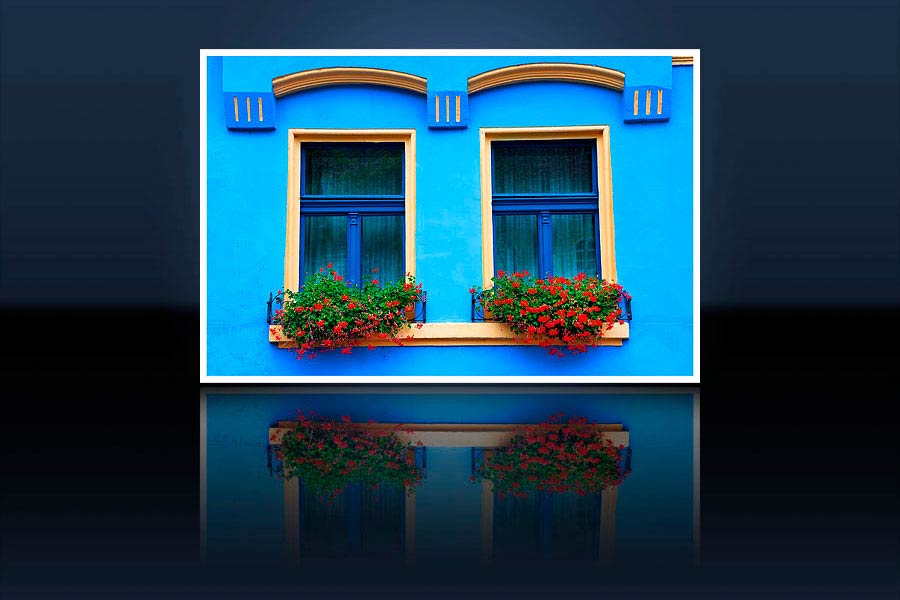
Two 'Water Reflection' effects for beautiful water reflections.
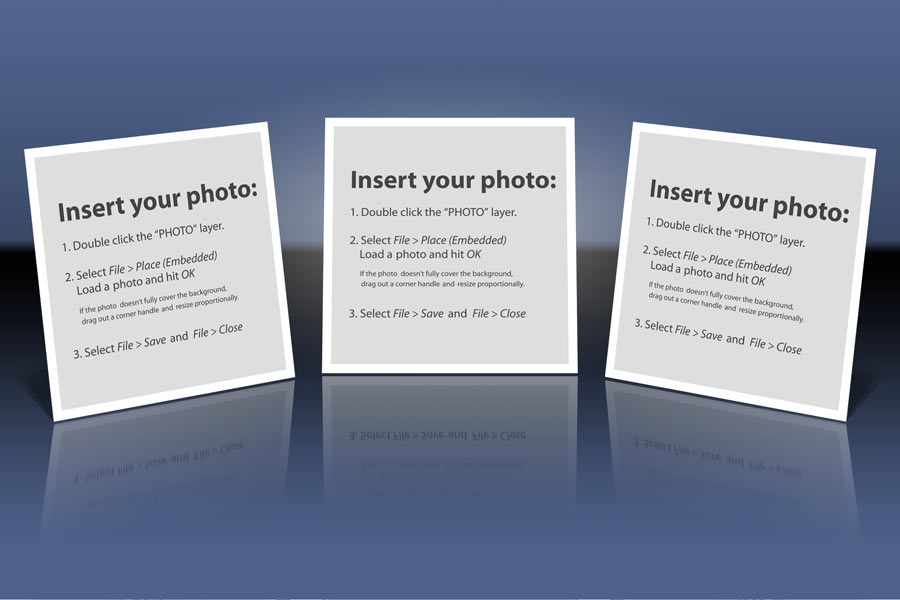
'Trio' for creating scenes with three square photos.
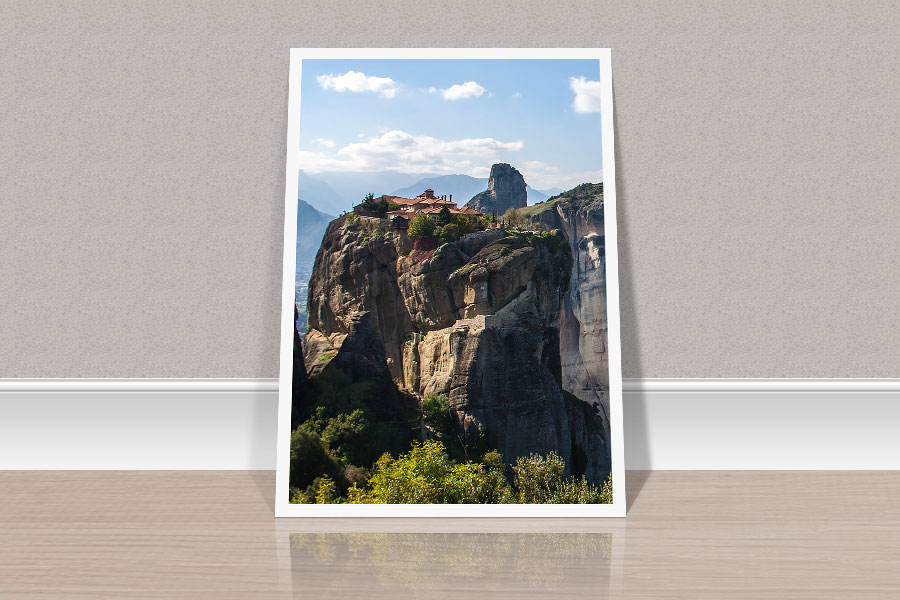
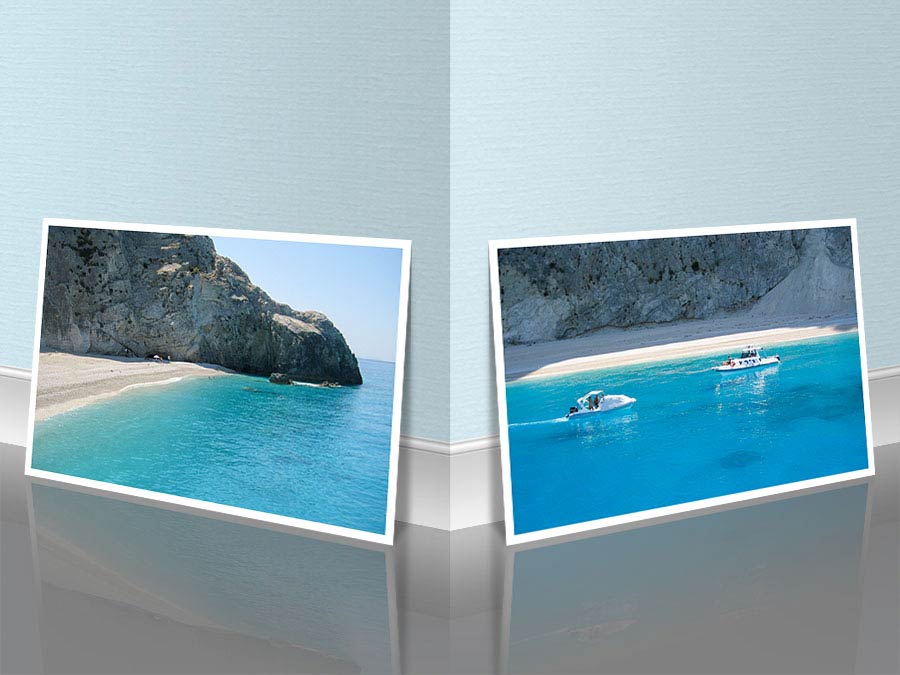
Two 'Leaning' actions for photos leaning against a wall.
Two 'Wall Corner' actions displaying photos and their reflections on wall corners.
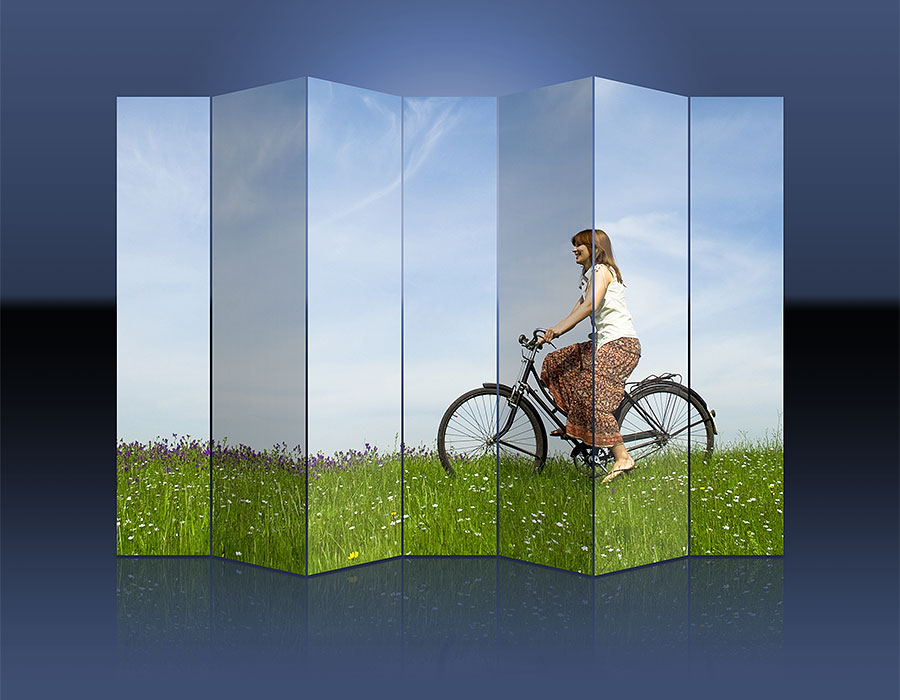
'6 Folds' for a folding image effect.
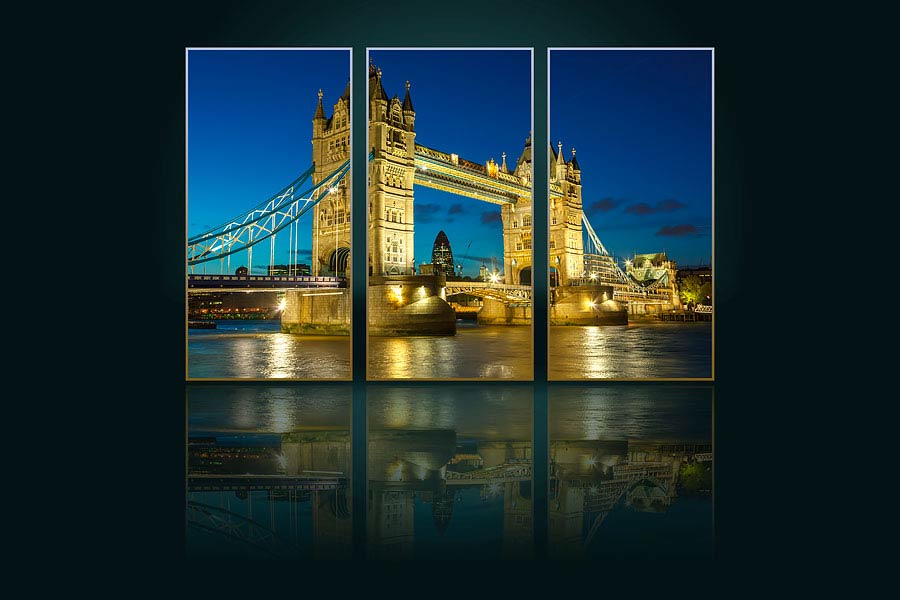
'Triptych' for turning your photo into a triptych.
The last action allows you to create reflections for images with transparent areas.
Documentation:
Watch the video tutorials available on the add-on ocumentation page and learn how to use the "Water Reflections" and the "Wall corner" actions.
COMPLETE PanosFX - empower your creativity!
Get the entire collection of PanosFX add-ons for Adobe Photoshop and Photoshop Elements, at a fraction of their combined value!
And there's more:
You get every newproduct and updates for the next 12months!
You get 50% off, if you wish to renew your yearly license.